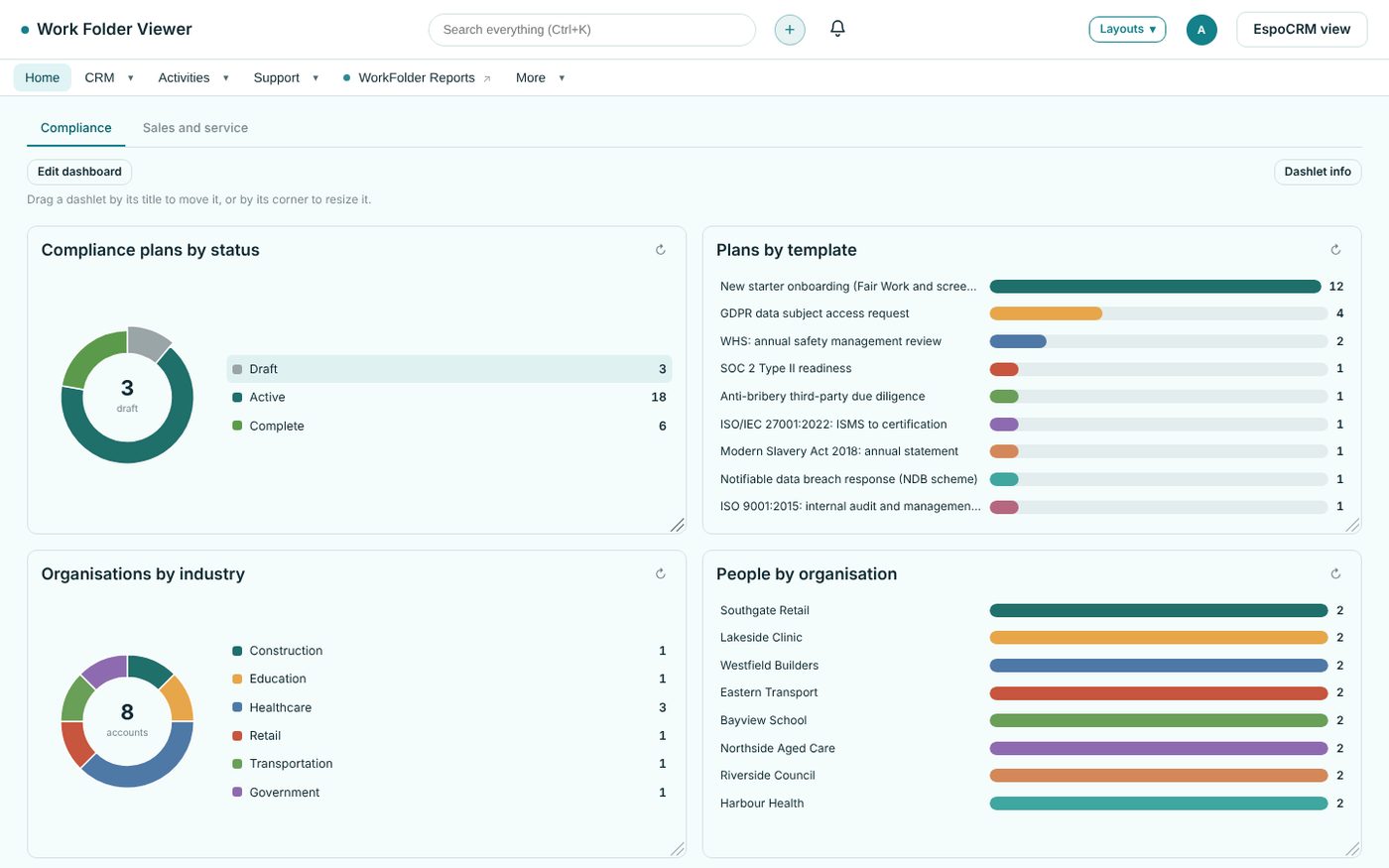
1. See the picture
Compliance plans by status, plans by template, organisations by industry, people by organisation: each a chart of live records.
The Work Folder chart dashlet turns any record type into a donut, bar or column chart. Pick a slice to see its records. Pick a record and its Work Folder opens over the dashboard. It comes with WorkFolder FaceLift, Plus and Developer Edition at no extra cost.
Pictures from the live demo, with made-up sample data.
Compliance plans by status, plans by template, organisations by industry, people by organisation: each a chart of live records.
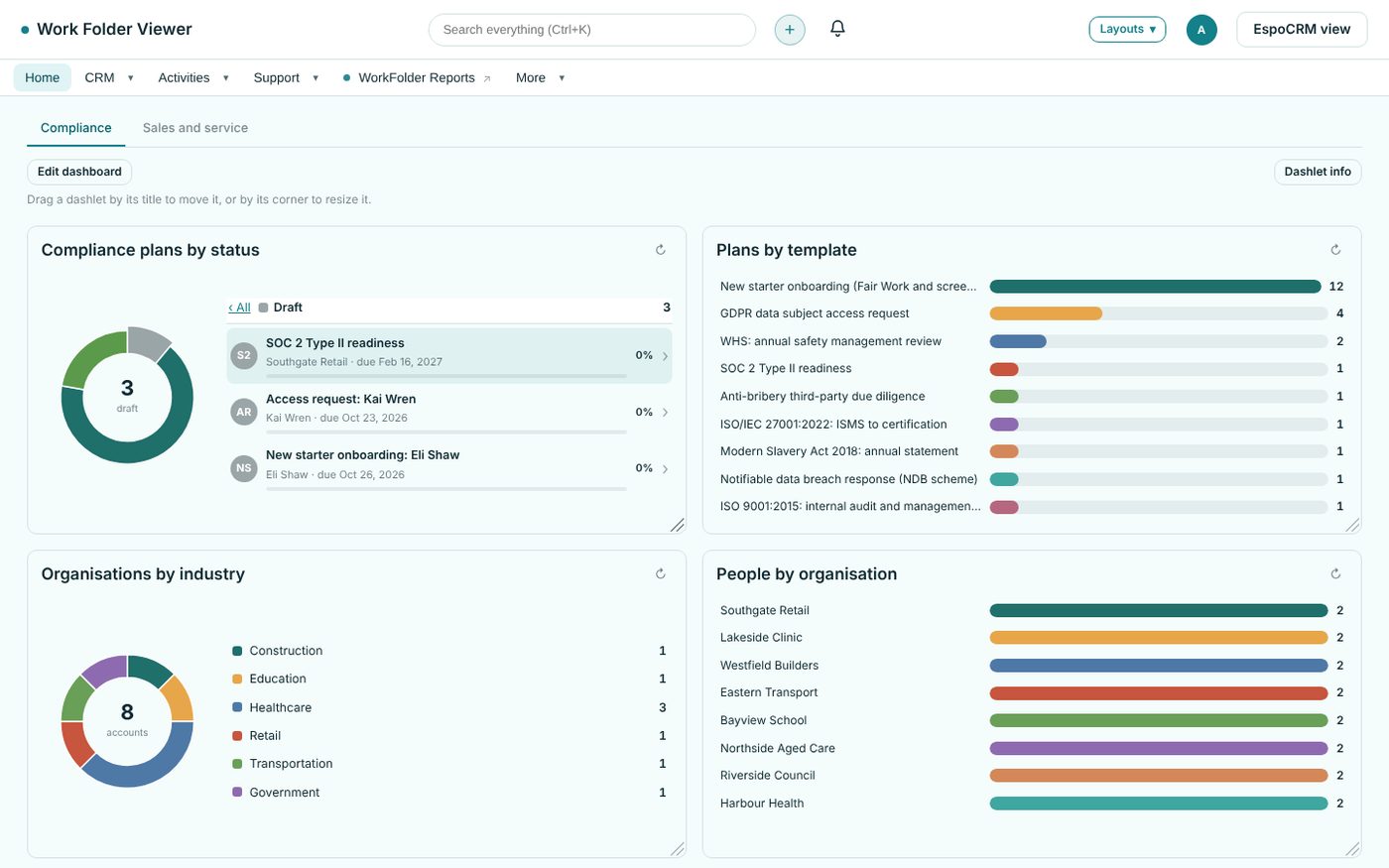
Pick Draft and the dashlet lists those plans, with who they are for, when they are due and how far along they are.
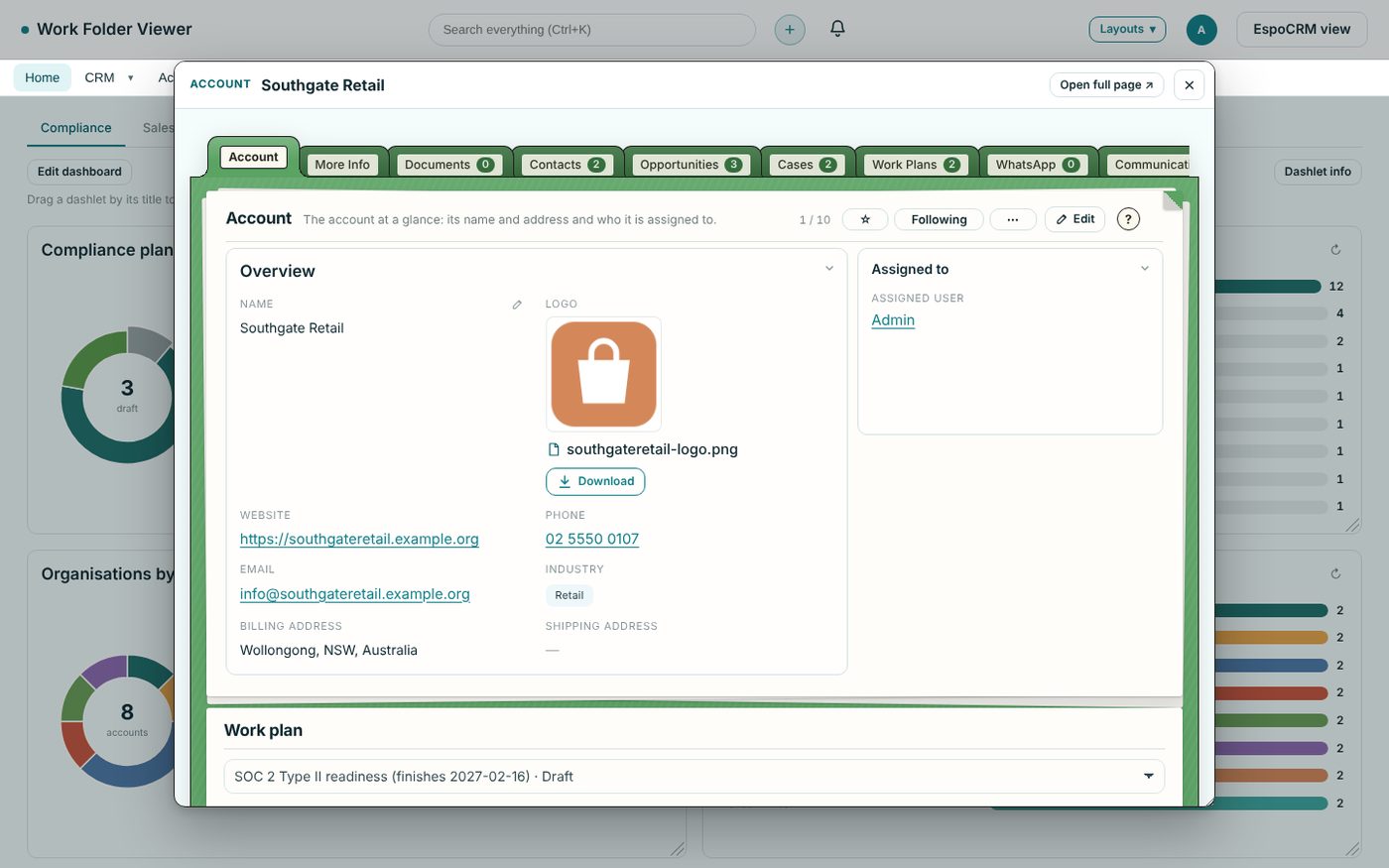
Pick a plan and the organisation's Work Folder opens in a window over the dashboard, with the plan underneath.
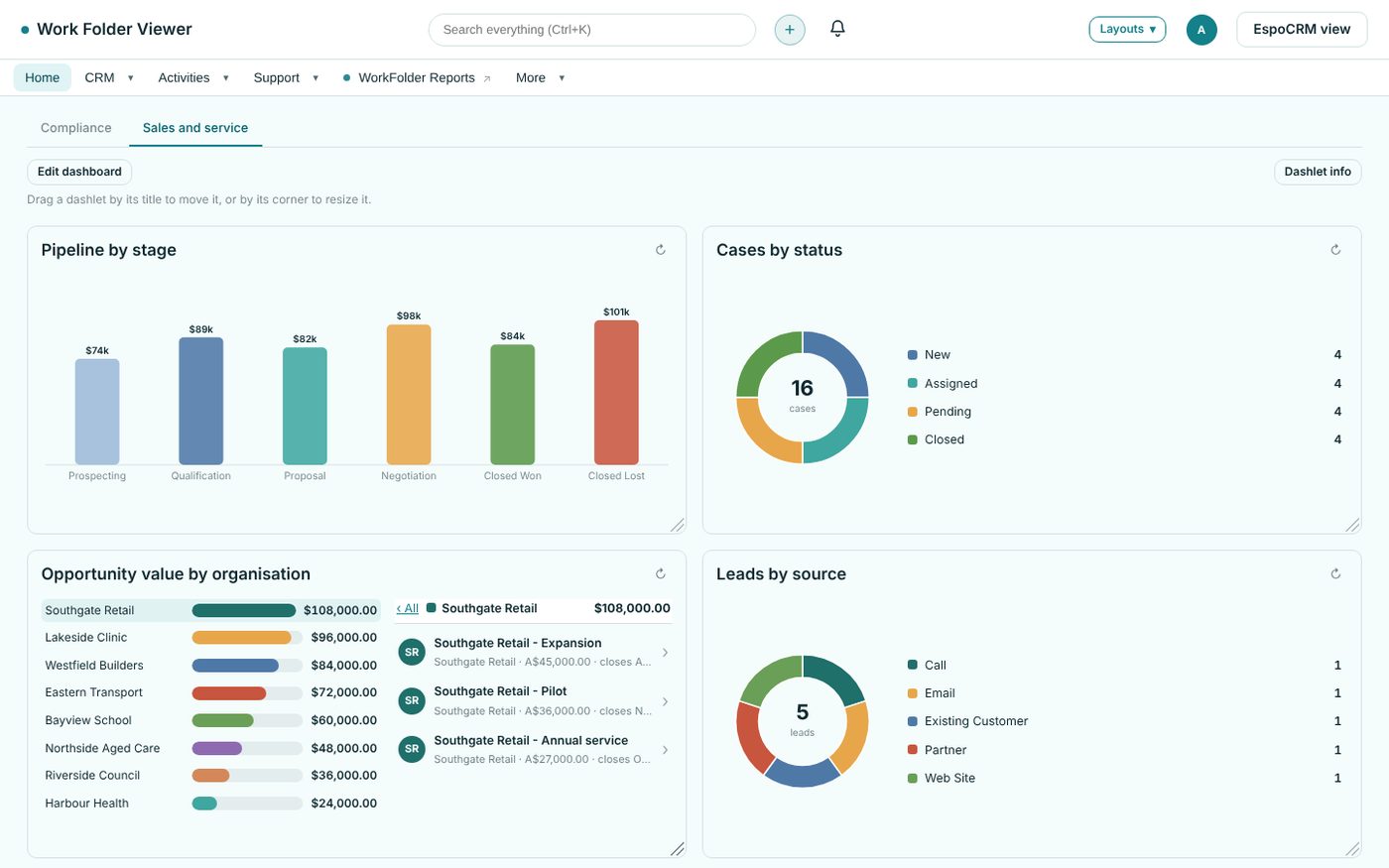
Charts can count records or total a number or currency field: pipeline value by stage, opportunity value by organisation, hours by facility. Group by a list field, a linked record, yes or no, or a date by month.
Accounts, contacts, cases, opportunities, work plans or your own entities.
A list field such as Status or Industry, a linked record such as Account, yes or no, or a date by month.
Count the records, or add up a number or currency field.
Pick the chart that reads best. Colours that mean something, such as Closed Won and Closed Lost, stay the same everywhere.
Use any primary filter of the record type, such as Open or Only my.
Open the record itself, or the record it belongs to, such as the account a plan is for.
Move dashlets by their titles and resize them by the corner. Each person keeps their layout.
Dashboards stack into one column on a phone, with the same drill-down.
Try it free for 30 days on your own EspoCRM. Nothing to install: sign in and see your records as work folders.