Work Folder records
Records open as manila folders with tabs for details, documents, each related list, communications and activities. Linked records open in their own windows.
FaceLift, plus Work Planner and template libraries for compliance and projects.
Includes everything in WorkFolder FaceLift.
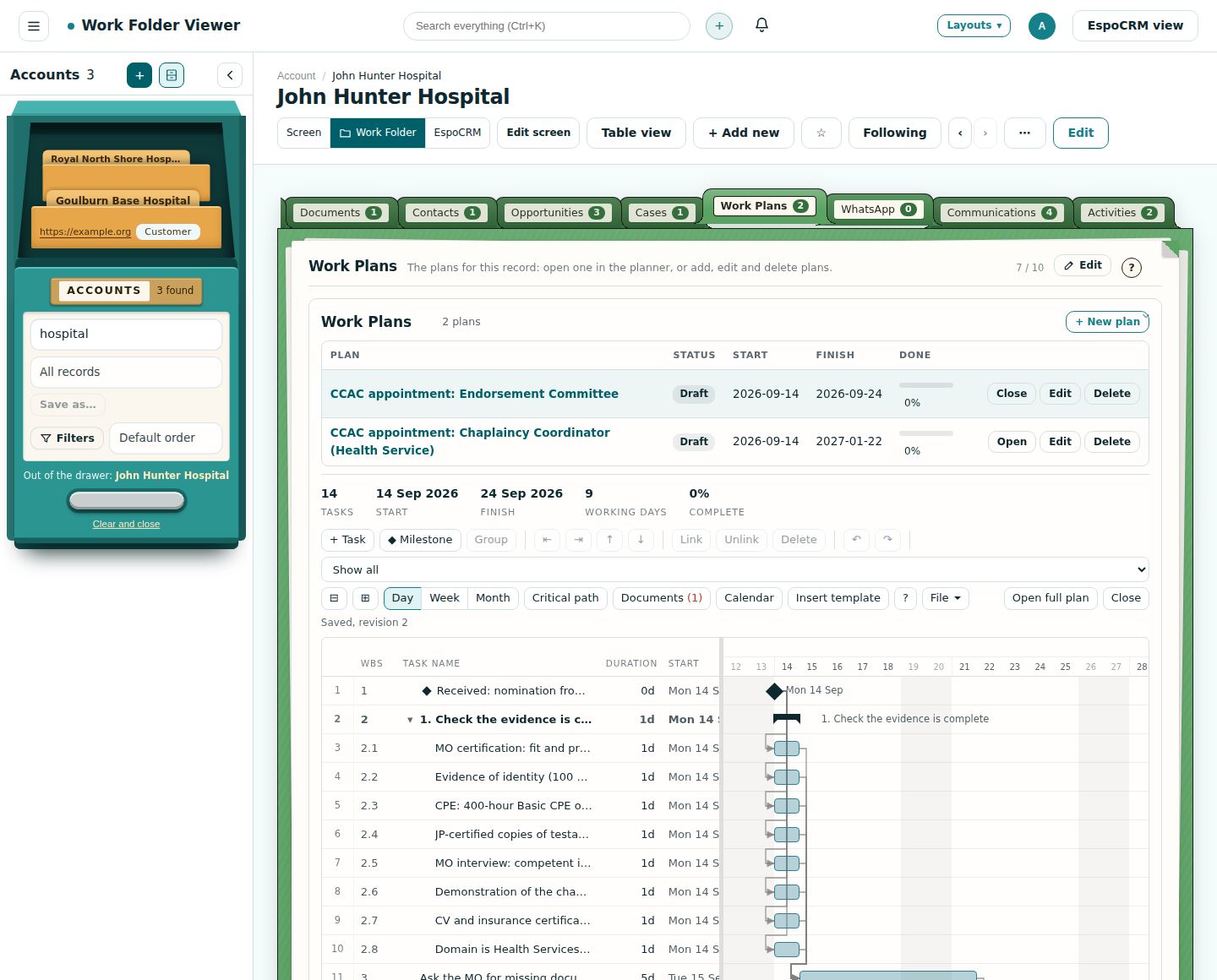
Work plans attach to any kind of folder: accounts, contacts, cases, opportunities or your own entities. Put the Work plan under the folder and both stay on screen: move through the folder's tabs for the details while the plan stays open below, and switch between the record's plans from the drop-down.
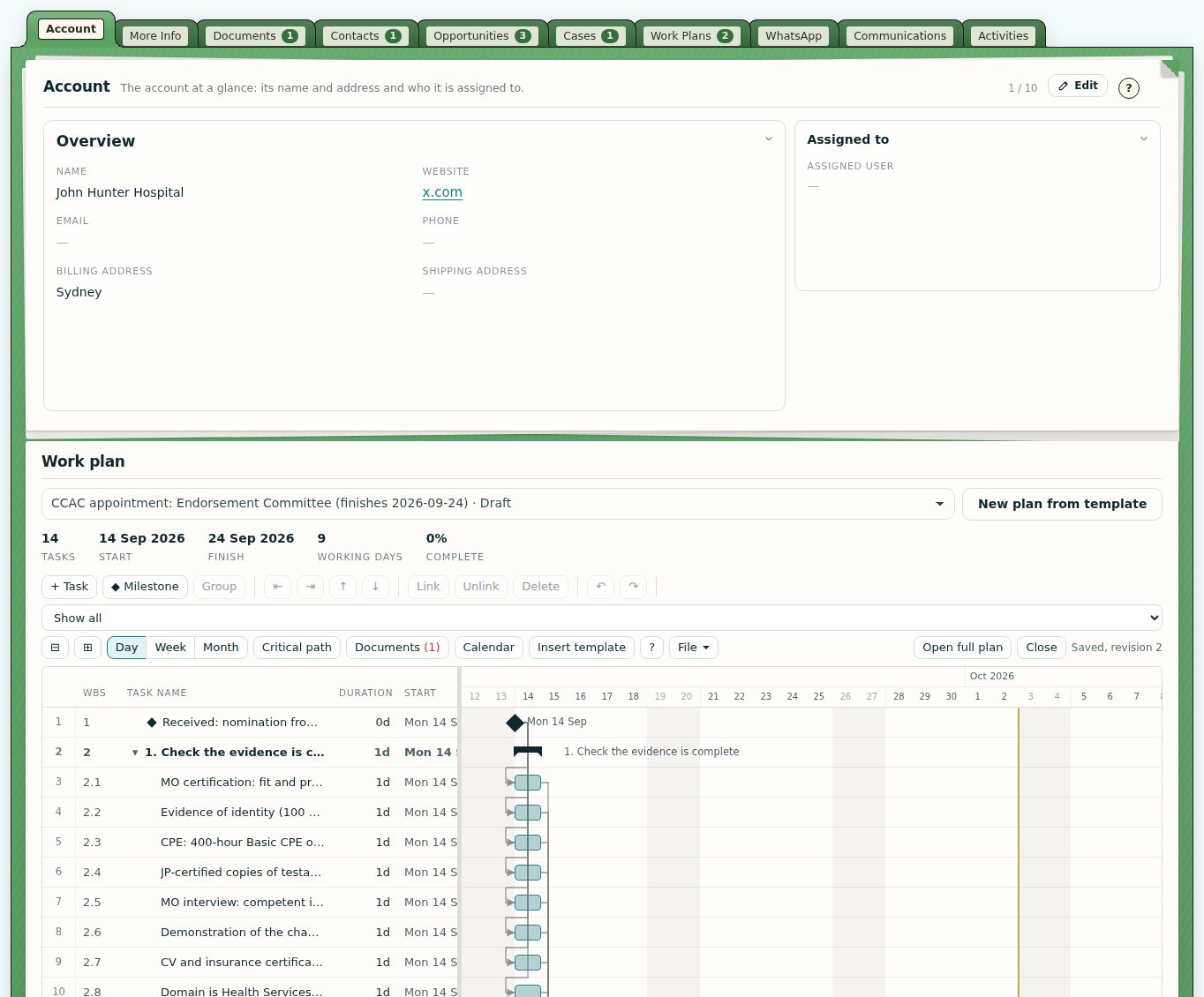
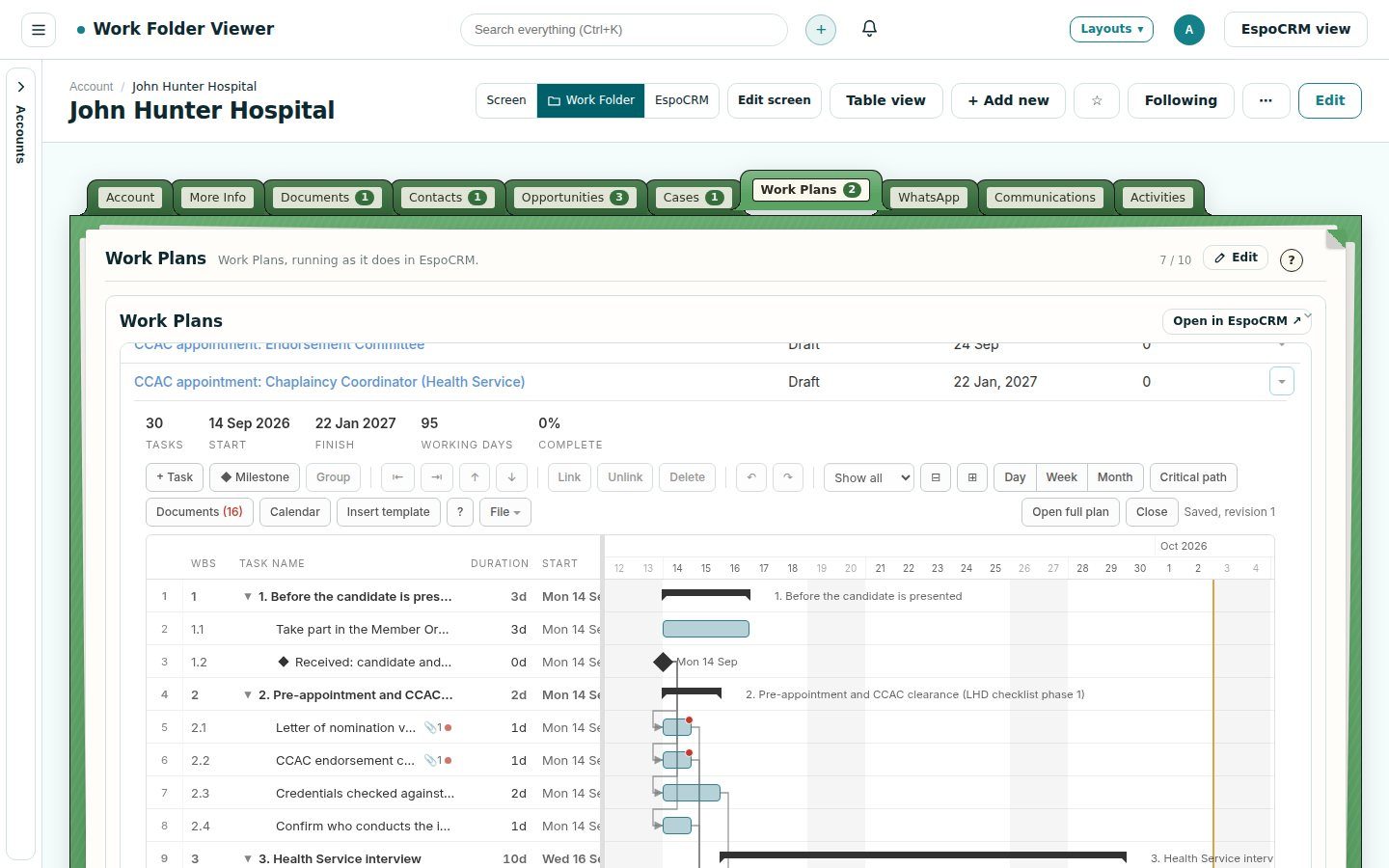
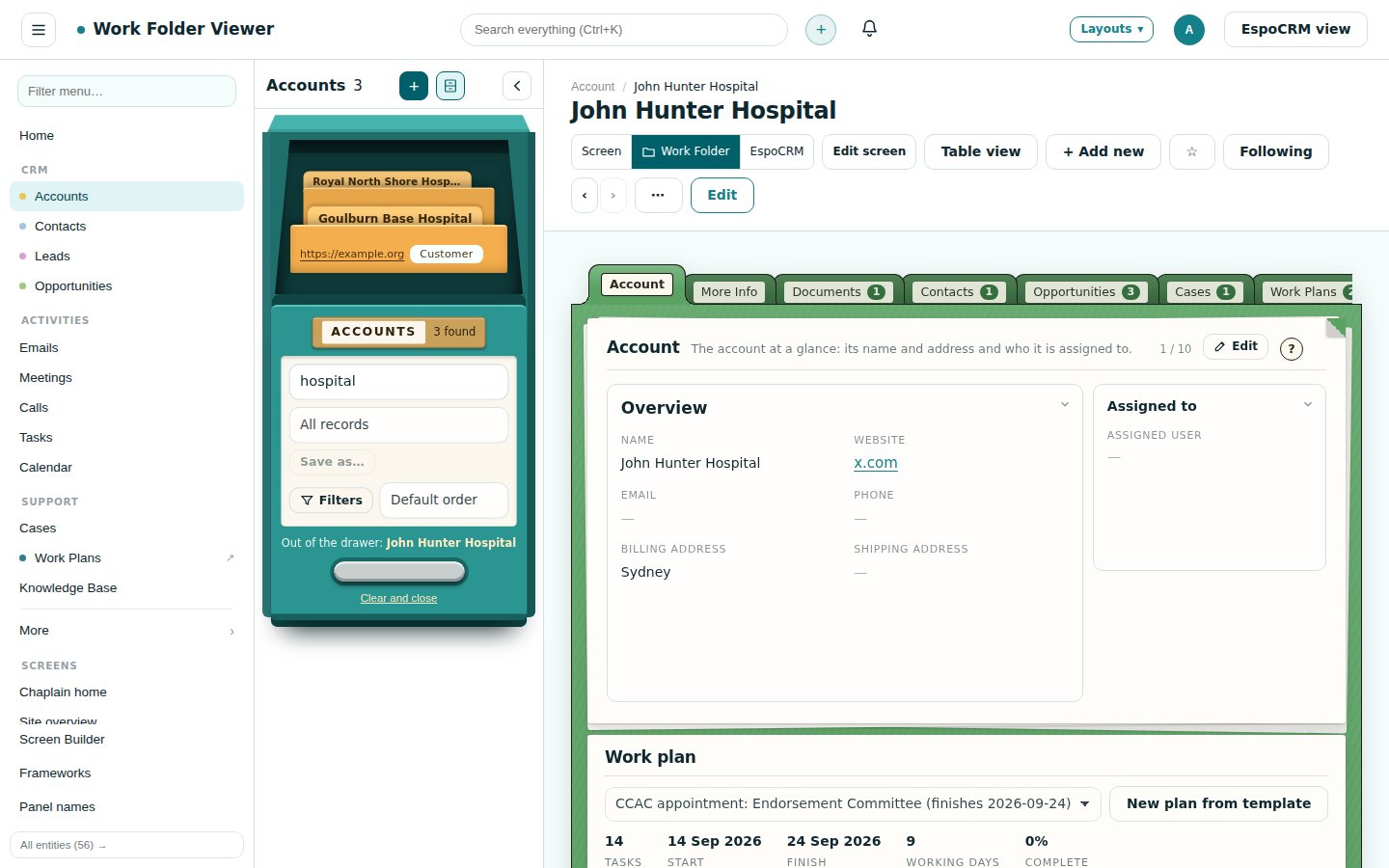
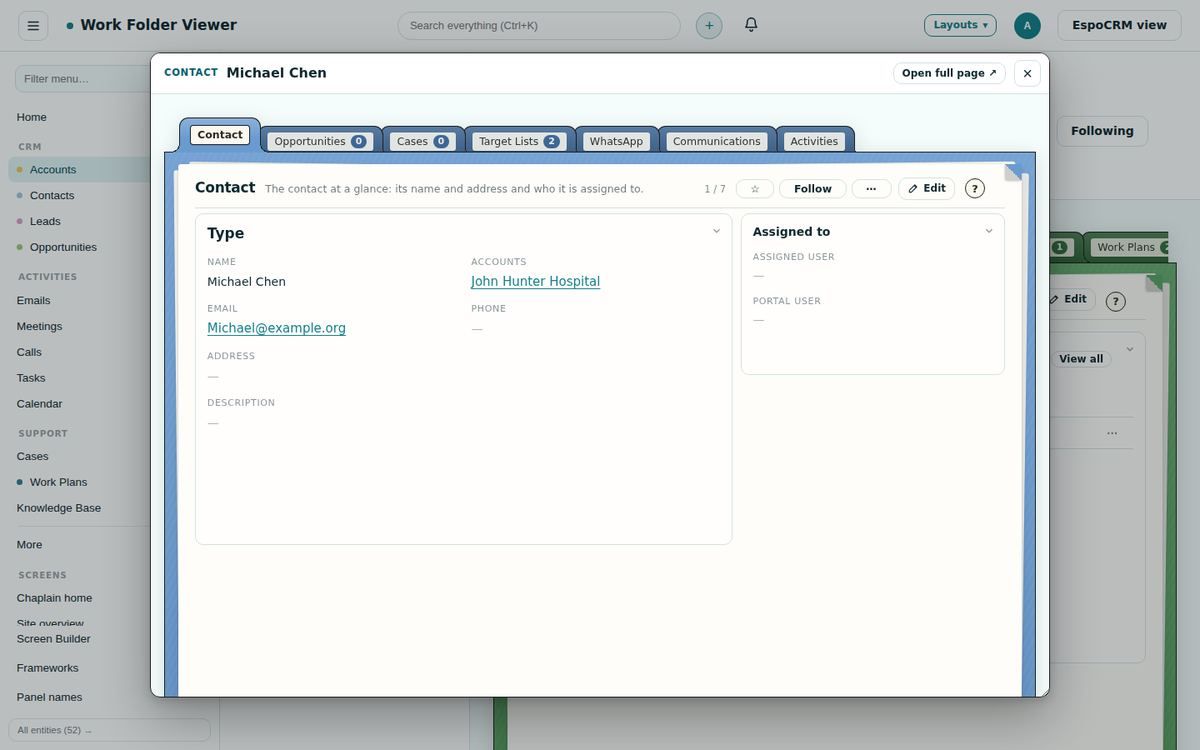
Records open as manila folders with tabs for details, documents, each related list, communications and activities. Linked records open in their own windows.
Search and saved filters live on the drawer front: one pick changes the list in place, with the open record still beside it. Or keep the classic list, with the same saved filters.
Folders, a reading pane, conversations, compose windows and email to task or case.
Month, week and day on a spiral pad. Drag to move or resize; add meetings, calls and tasks with attendees.
Drag-and-drop design objects: sections and columns, text, pictures, buttons, dividers and personalised fields such as First name and Unsubscribe link. Used for email templates and campaigns, with the HTML one click away.
Broadcasts to target lists from one screen, with a template designer, preview, scheduling and status.
Drag dashlets by their titles, resize by the corner, and keep the layout per person.
Plans with tasks, dates, people and dependencies on any record, started from templates.
Australian and international packs for appointments, onboarding, audits, privacy and projects, free with Plus.
Try it free for a month on your own EspoCRM. Nothing to install: sign in and see your records as work folders.